Quickstart
Build and deploy your first app end to end — a working tip calculator — in a few minutes.
This Quickstart walks the whole pipeline with one small, real example. You'll describe a tip calculator in a sentence, watch the agents specify, build, and deploy it, and open the finished app at its own URL — with a human approval at every irreversible step, the same governance every project gets.
Build a tip calculator, start to finish#
From the home screen, choose New Project.
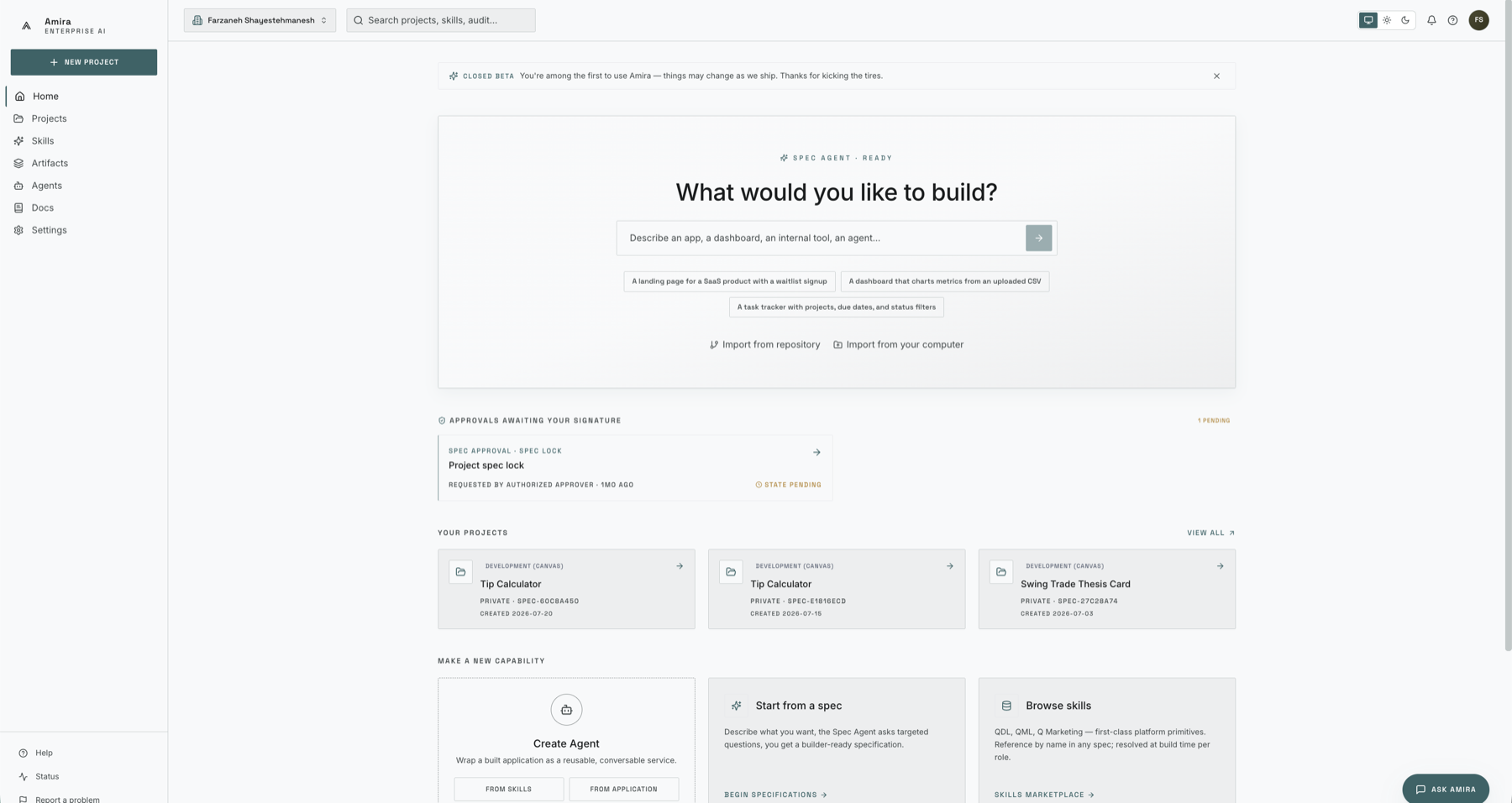
Type a one-line description and send it. For this example:
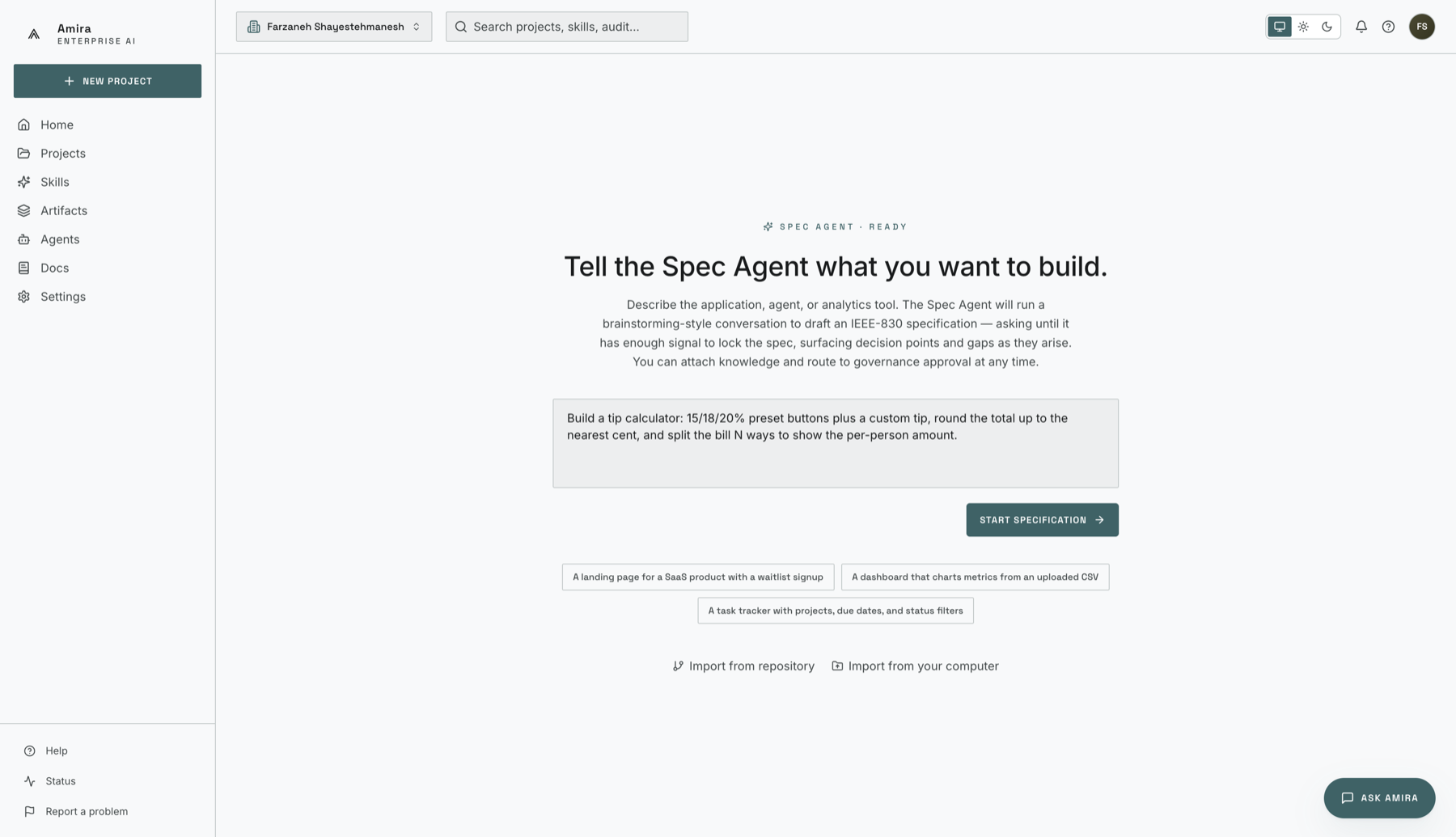
Build a tip calculator: 15/18/20% preset buttons plus a custom tip, round the total up to the nearest cent, and split the bill N ways to show the per-person amount.
The Spec Agent drafts a first specification from that one sentence.
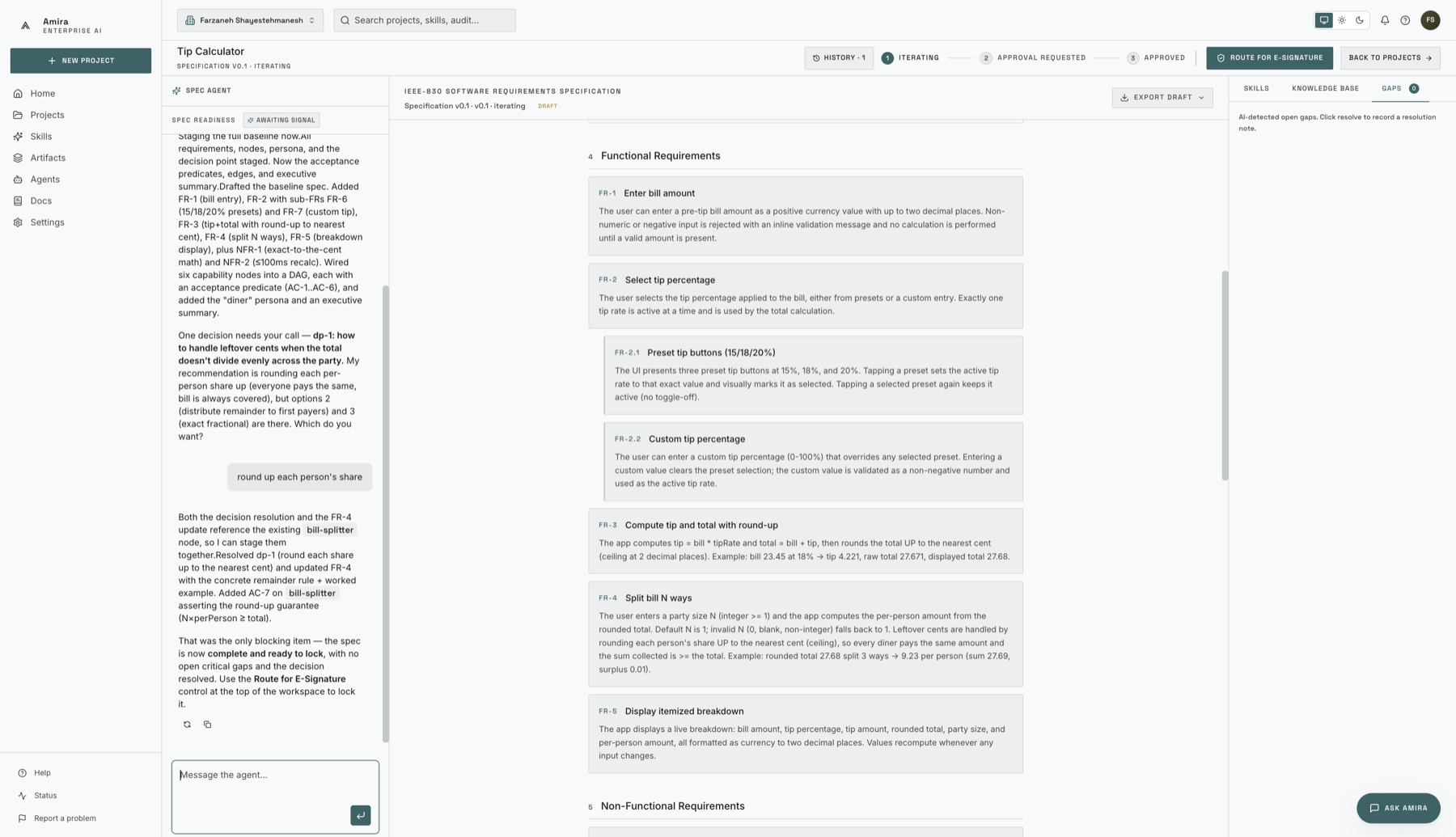
The agent turns your sentence into functional requirements (FRs), non-functional requirements (NFRs), and testable acceptance criteria (ACs), then asks focused questions to close anything missing. Answer in plain language until it reports the spec is complete. A tip-calculator requirement looks like this:
{
  "id": "FR-2",
  "title": "Calculate the per-person total",
  "acceptance_criteria": [
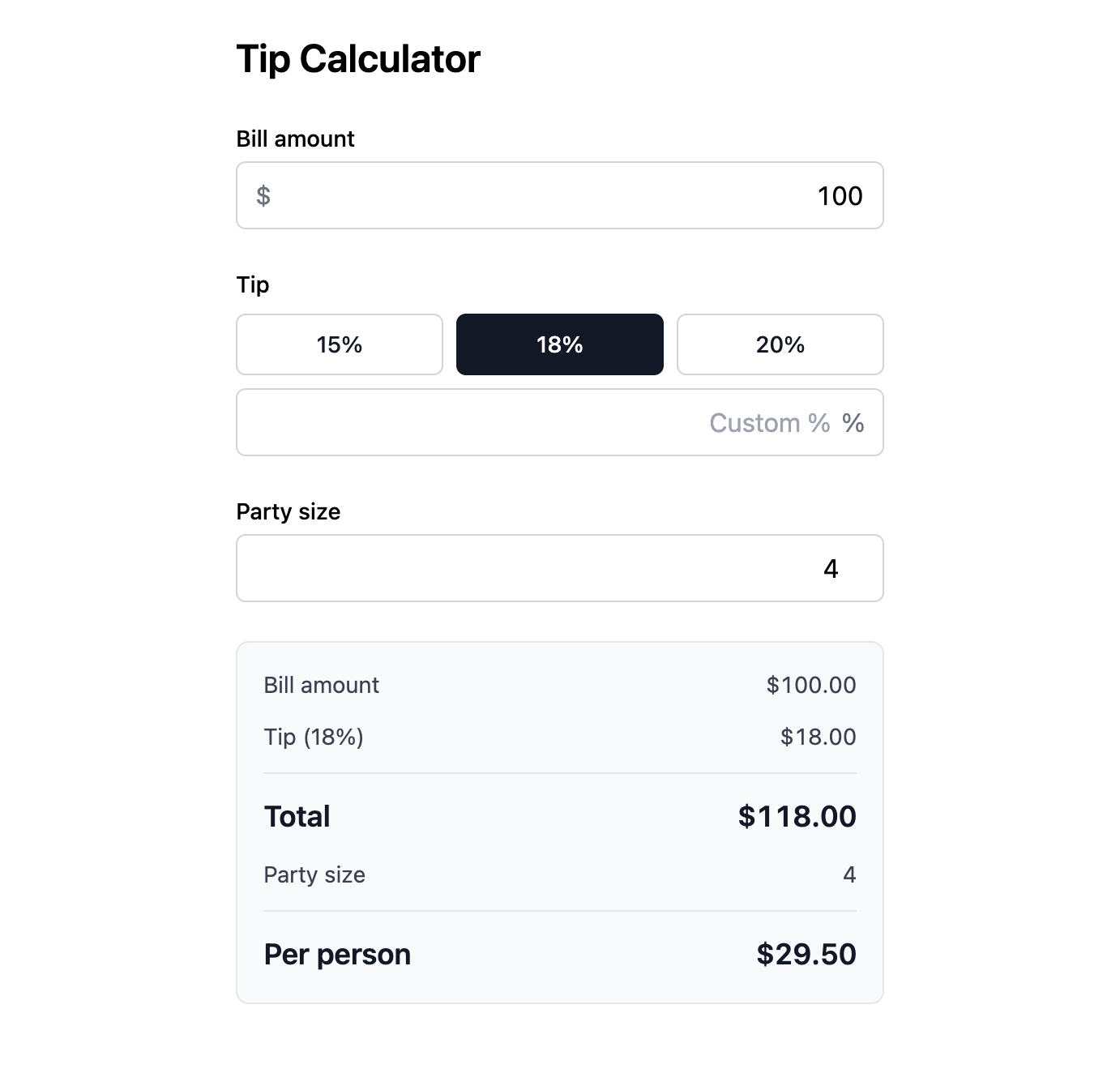
    "With a $100 bill, an 18% tip, split 4 ways, each person owes $29.50",
    "The total is always rounded up to the nearest cent"
  ]
}
See Working with Specs for how the interview works and how to ground the agent with your own documents.
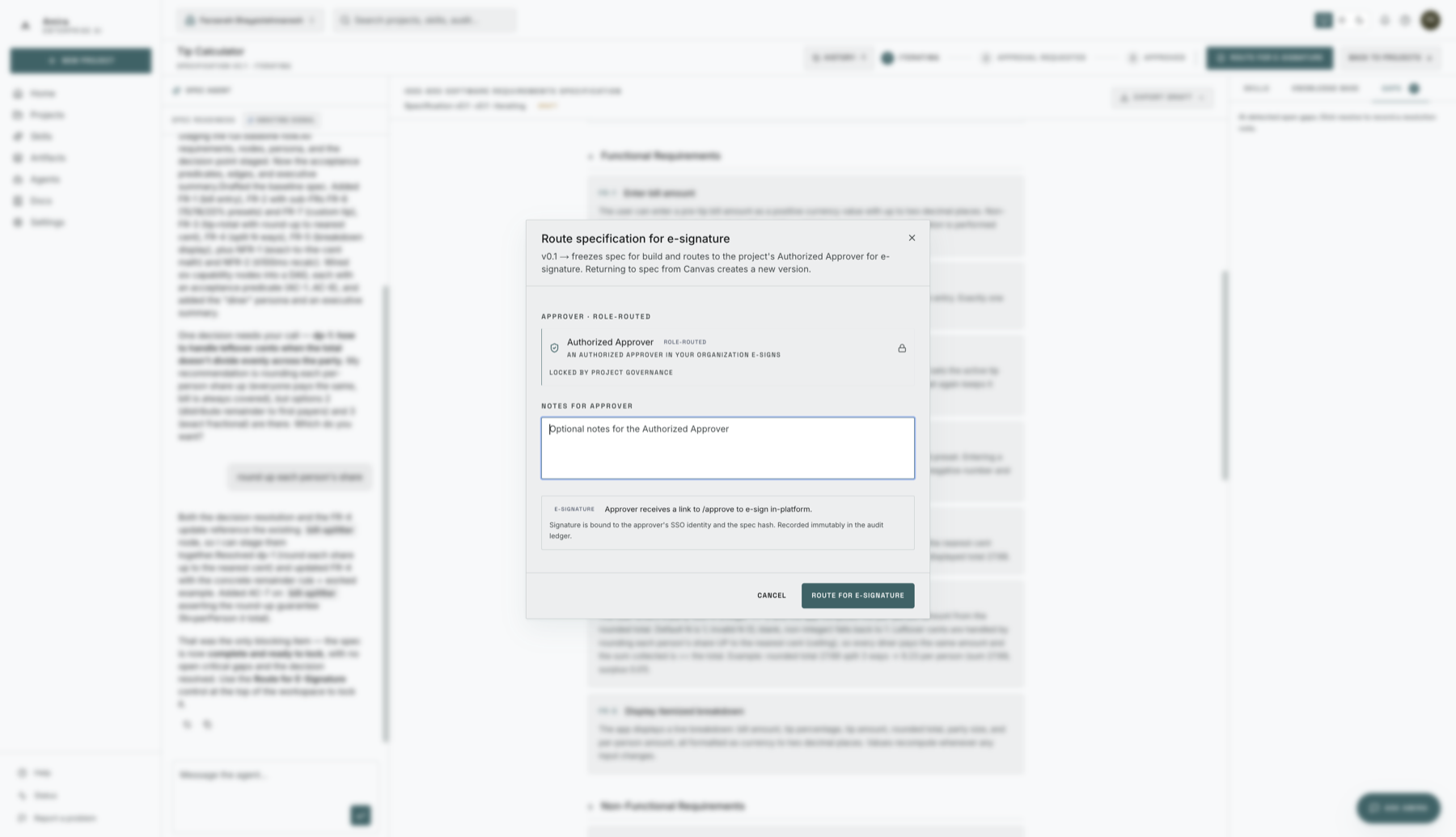
When the spec is complete, choose Route for e-signature. Once it's signed, the spec is locked and the Build Agent can start — nothing is built from an unapproved spec. See E-signature & Approval.
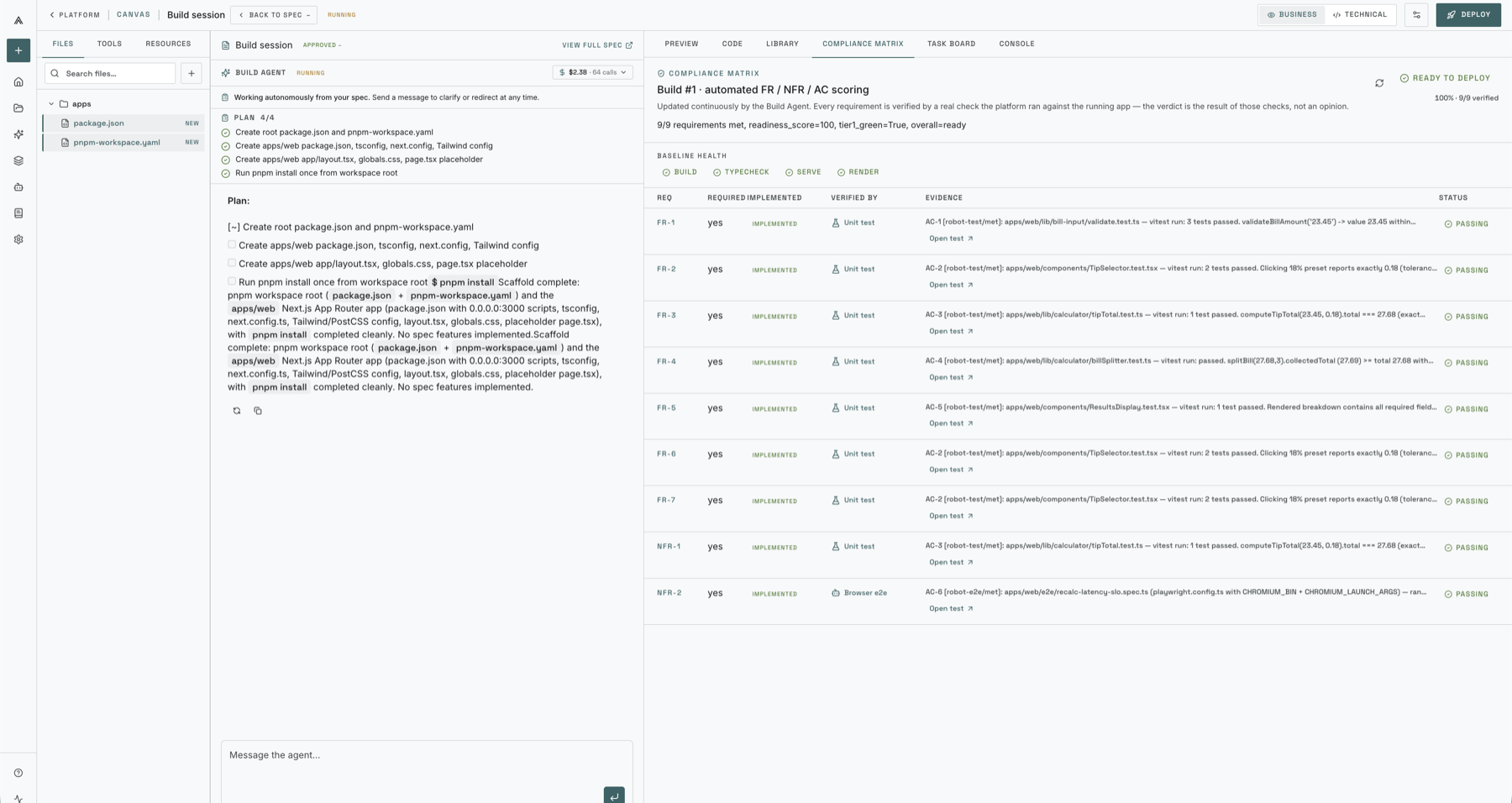
The Build Agent writes the application in a sandbox, wiring in any skills and data sources the spec references. Its progress is scored against your acceptance criteria on a live compliance matrix, so you can watch each requirement move from pending to passing.
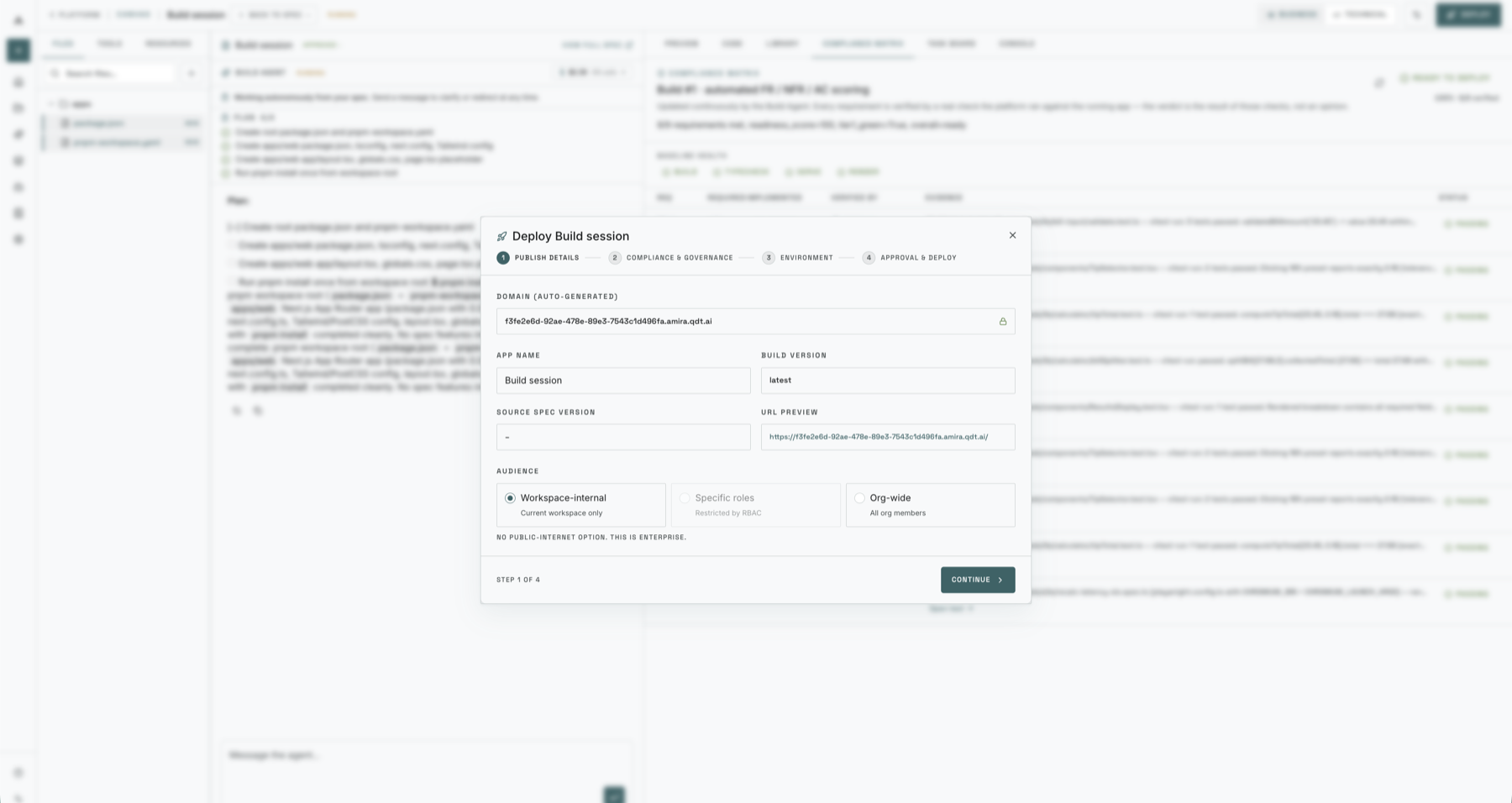
With approval, the Deploy Agent promotes the built application to a running URL of its own.
Open the deployed tip calculator and use it — enter a bill, pick a tip, split it, and read off the per-person total.
From a single sentence you produced a specified, approved, built, and deployed application — with a human sign-off at every irreversible step and every requirement checked against its acceptance criteria. The same flow scales from a tip calculator to a full analytics application.
Where to next#
How the interview works, grounding the agent with your own documents, and iterating to a complete spec.
How a finished spec is routed, who can sign, and what an approval records in the audit ledger.
Quick answers and fixes for the things people hit most often.